
Bluetooth Codecs Explained: SBC, AAC, LDAC and LC3
What SBC, AAC, LDAC and LC3 do, with maker figures labeled as claims.
Quick answer
A codec decides how audio is compressed to travel over Bluetooth. SBC is the baseline, AAC is what Apple lists for most AirPods and Beats models, LDAC is Sony's codec with a top bitrate of 990 kbps, and LC3 is the codec in LE Audio. None of them make Bluetooth lossless: Apple says "Bluetooth connections aren't lossless" (Apple).
Jump to section
What a codec does
A codec is the method a device uses to squeeze audio into a stream small enough to send over Bluetooth, and to unpack it again at the other end. The name comes from "coder-decoder." Your phone encodes the music, and your headphones decode it. Both ends must support the same codec for it to be used, so the one you hear is the best that both devices share.
Think of two people who need a common language. If one speaks only two languages and the other speaks three, they can talk in the one they share, and the third language adds nothing. Codecs work the same way. That makes the codec a matching problem rather than a ranking. A codec your phone cannot send is no use to you, however good it looks on a box. Two things decide the result: what your phone supports and what your headphones support. This guide walks through the main codecs and then shows where to look for yours.
A note on figures. Bitrates in this guide are the makers' own claims, taken from their pages, and we label them as such. We do not rank codecs by sound quality, because that is a listening judgment and not a spec. We also do not tell you which codec to want. Our job is to show you where to look and what the makers say, so you can match your own devices.
SBC, the baseline
SBC is the baseline codec. The Bluetooth SIG refers to it as the SBC codec included with Classic Audio (Bluetooth SIG), and Sony uses it as a reference point, comparing LDAC with Bluetooth A2DP SBC at 328 kbps and 44.1 kHz (Sony). That figure is a maker's claim about its own comparison, not an independent measurement.
Because SBC is the baseline, many newer codecs are described as improvements over it. The Bluetooth SIG says its newer LC3 codec improves on SBC quality even at a 50% lower bit rate (see the LE Audio section below). If your headphones list only SBC, check the manual to see what they pair with, and whether a better option exists on your devices.
AAC and Apple devices
AAC is the codec most closely linked with Apple. Apple says most AirPods and Beats wireless models use the Apple AAC Bluetooth codec (Apple). If you own an iPhone and a pair of AirPods, that is the codec you are using, and there is no setting to change it.
Apple's page describes the codec used by Apple's own models, so it does not tell you what a pair from another maker supports. If you use earbuds from another maker with an iPhone, check the spec table for AAC, and read the maker's page for what the earbuds do when AAC is missing. Our wireless earbuds guide has a codecs column for every pair.
LDAC (Sony)
LDAC is Sony's codec. Sony states that LDAC's maximum bitrate is 990 kbps, and in best-effort mode it switches automatically between 330, 660 and 990 kbps (Sony). Sony also says LDAC carries about three times the data of Bluetooth A2DP SBC at 328 kbps and 44.1 kHz. That is a maker claim, so treat it as the maker's own description. The three bitrates also show why the number on a box is a ceiling: because the best-effort mode steps between 330, 660 and 990 kbps, the rate you get at any moment is one of those three, and it depends on the link between your phone and your headphones.
Two practical points come from the same page. LDAC source code was contributed to the Android Open Source Project, so phone makers can include it free, while headphones and speakers need a Sony license (Sony). And LDAC meets the "Hi-Res Audio Wireless" logo requirement at 990 kbps.
| Item | What Sony states |
|---|---|
| Maximum bitrate | 990 kbps |
| Best-effort steps | 330, 660 and 990 kbps |
| Versus SBC | About 3 times the data of A2DP SBC at 328 kbps and 44.1 kHz (maker claim) |
| Phones | Source code in Android Open Source Project; free for phone makers |
| Headphones and speakers | Need a Sony license |
You may also see aptX, which is a family of codecs from Qualcomm. We give no aptX figures here, because we have not checked a source for them. Check the maker's page for the model you are considering.
LE Audio, LC3 and Auracast
LE Audio is the newer Bluetooth audio standard, and LC3 is its codec. The Bluetooth SIG quotes Fraunhofer IIS saying LC3 "will provide improvements in audio quality over the SBC codec included with Classic Audio, even at a 50% lower bit rate" (Bluetooth SIG).
LE Audio does more than change the codec. The Bluetooth SIG says it adds broadcast audio to an unlimited number of devices, which is the basis of Auracast, along with support for hearing aids and Multi-Stream Audio for true wireless earbuds (Bluetooth SIG).
Support for LE Audio depends on the exact model, so the spec table is the place to check.
For you, that means two things. First, check the spec table for LE Audio or LC3 if you want to be ready for it. Second, both your phone and your headphones need to support it, so look at the phone as well. It is a feature to watch rather than a reason to replace working gear.
Why Bluetooth isn't lossless
Apple states it plainly: "Bluetooth connections aren't lossless," and lossless playback needs a wired connection to headphones, receivers or powered speakers (Apple). That sentence applies to every codec above. A better codec can sound better than a worse one, but it is still not lossless.
In practice, that means wired headphones are the way to hear lossless files at full quality. Our guide to budget headphones has a wired option column, and our DAC guide explains when an external DAC helps. For everyday listening on the move, Bluetooth is convenient and often good enough.
Which codec your phone uses
Start with the facts you can look up. If you use an iPhone with AirPods, Apple lists AAC for most AirPods and Beats wireless models (Apple). For an Android phone, check the phone's maker page or settings for the codecs it can send, and note that Sony says phone makers can include LDAC free (Sony).
Then look at the other end. Open the spec table for your earbuds or headphones and read the codecs column. The best option is the best one that both devices list. If you see no match, check the manual for which codec the pair will use.
Two quick examples show how the matching works. A listener with an iPhone and a pair of AirPods has one answer, because Apple lists AAC for most AirPods and Beats wireless models. A listener with an Android phone and a pair of earbuds from another maker must read two spec lists, then pick the best codec in both. Neither listener needs to understand bitrates to make the choice.
Here is a short checklist.
- Find your phone's supported codecs on its maker page or in its settings.
- Find your headphones' codecs in the spec table or manual.
- Pick the best codec both lists share.
- For lossless listening, use a wired connection.
If you are shopping, our guide to noise-cancelling headphones and our wireless earbuds list the codecs for each pair. Compare the column to your phone, and do not pay extra for a codec your phone cannot send.
Gear that helps
-
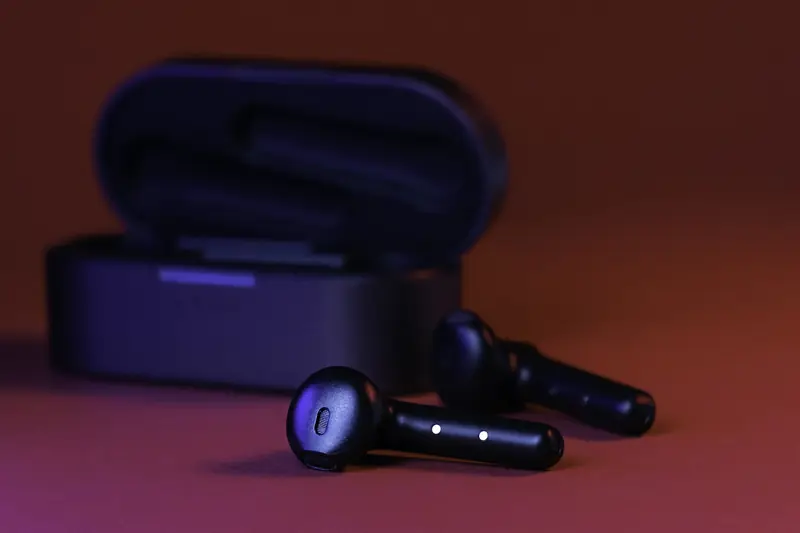
Best Wireless Earbuds
Check the codecs column against your phone before you pick earbuds.
-
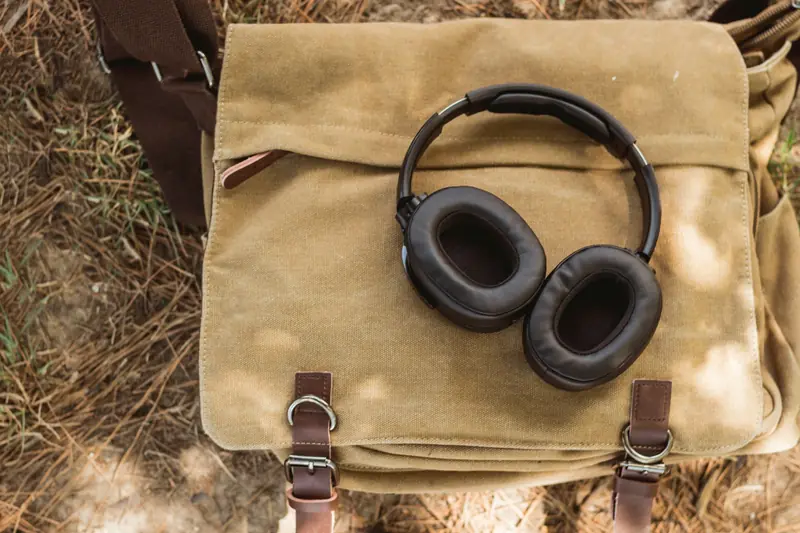
Best Noise-Cancelling Headphones
The spec table lists the codecs each pair supports, plus any wired option.

FAQ
Which codec do AirPods use?
Apple lists most AirPods and Beats wireless models as using the Apple AAC Bluetooth codec (Apple).
What bitrates does LDAC use?
Sony states LDAC's maximum bitrate is 990 kbps, and in best-effort mode it switches between 330, 660 and 990 kbps (Sony). These are maker figures.
What is Auracast?
Auracast is based on LE Audio's broadcast audio, which the Bluetooth SIG says can reach an unlimited number of devices (Bluetooth SIG).
Related
-
-
Buying guide
Best Noise-Cancelling Headphones
ANC type, battery with ANC on, weight, codecs and wired options, side by side.
-
Buying guide
Best Headphones Under $100
Type, ANC, battery, weight, codecs and wired option, side by side.
-
Guide
Do You Need a DAC? When It Helps (and When It Doesn't)
What a DAC does, when built-in is enough and when a dongle helps.
-
Comparison
Open-Back vs Closed-Back Headphones: Which Should You Buy?
Isolation and space, or a wider sound for quiet rooms.
-
Guide
How Loud Is Too Loud for Headphones? A Safe Listening Guide
The 70 and 85 dBA lines, the 3 dB rule and WHO's weekly allowance, explained.
Get the Overtone Setup Card
A printable card with the steps for setting up a turntable and placing speakers, plus one hearing-safety reminder. Free, and sized for a shelf or a wall.